
Join tables from different databases
Turbrix reads each data source and joins the data on your PC. No link or copy between the databases is needed.
1How to connect them
Place two Query Tasks on the canvas, connect both to a Join, and choose the columns to join on in Condition. The two Query Tasks may read different data sources.

2Files too
CSV, TXT, TSV and DAT files and Excel files (.xlsx, .xls) are read by a File Task and joined the same way.
3After the join
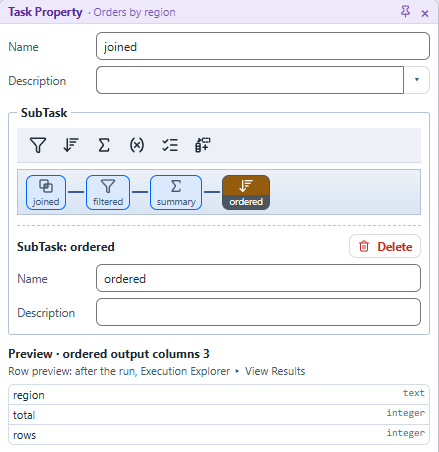
Apply Filter, Summary, Calculate and Pivot as SubTasks, in order.
4Read less
Query Drive uses the values of the previous Task's result as the next Query's condition. Only the rows needed are read from a large table.
5The Free plan and the Pro plan
The Free plan has no limit on joins per workflow or on data sources. REST API and Neo4j data sources are part of the Pro plan (pricing).